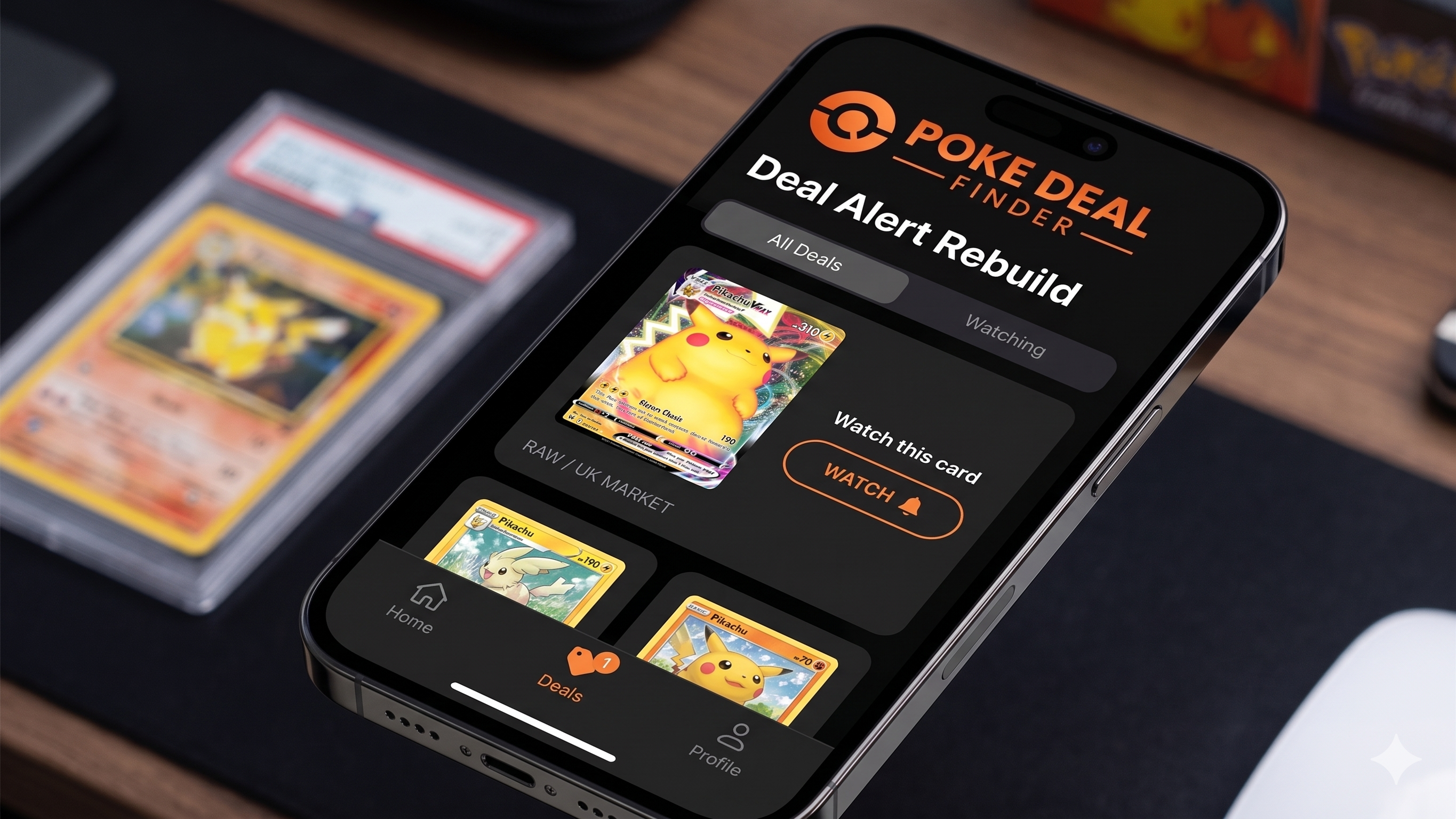
Our Discord bot has been running in the Poke Deal Finder server for a while now — posting every underpriced card and sealed listing we find, split across channels by market and grading company. The most common question we’ve had about it is some version of: can I get that in my server?
Now you can.
What it does
Add the bot to your Discord and it posts below-market eBay listings straight into whichever channels you choose. Same deals, same detection, same links — just in your community instead of ours.
You pick what each channel receives. There are 20 feeds to choose from:
- Markets — UK, US, Germany, Canada and Australia
- Card types — raw, or graded by PSA, CGC, ACE, TAG or BGS
- 🔥 Hot Deals — everything, every market, but only 40%+ below market value
A typical server ends up with something like #uk-deals on the UK feeds, #us-deals on the US ones, and a quieter #big-hits channel running Hot Deals only.
(Sealed product isn’t in the public list yet — the pricing data behind it is thinner than the card side, so the discount figures aren’t trustworthy enough to hand to other people’s servers. It’s coming.)
Setting it up
It takes about two minutes.
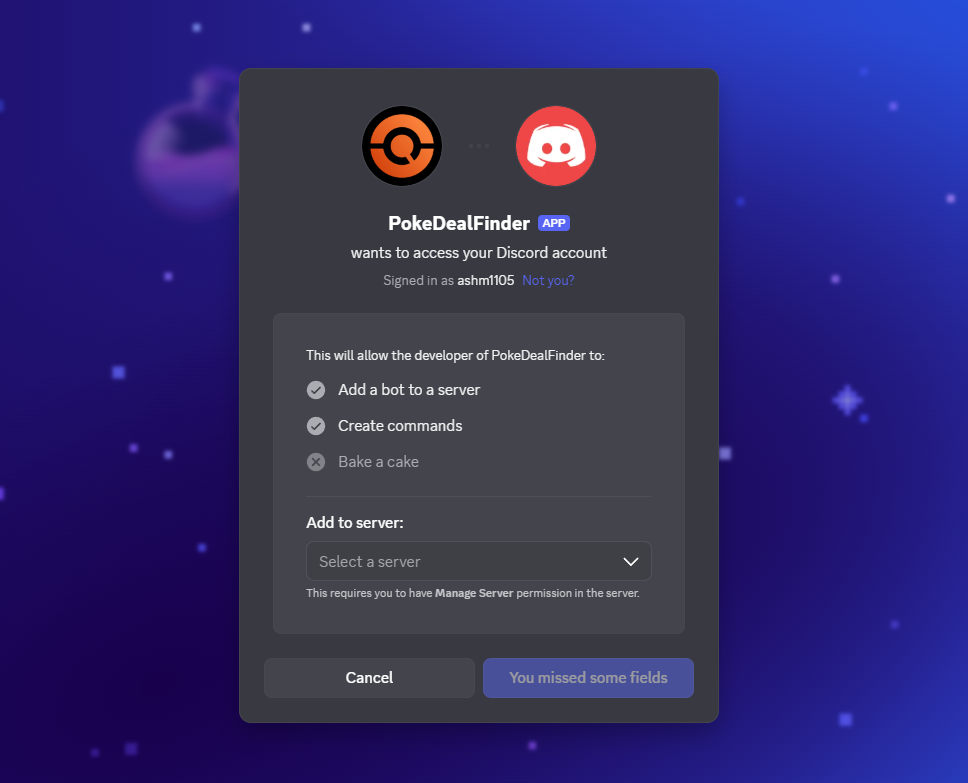
- Add the bot from pokedealfinder.uk/discord-bot-add
- Go to the channel you want deals in
- Run
/feeds setupand tick the feeds you want
Changes save as you click — there’s no confirm button to forget. Run it once per channel; each keeps its own feeds and its own settings.
You’ll need the Manage Server permission in the server you’re adding it to.
Controlling the volume
This is the part worth reading, because some feeds are genuinely busy. US · All Cards is every US card deal we find, which runs to hundreds a day. Dropped into a general chat channel unfiltered, that’s not a feature — it’s a problem.
So every channel has three filters, all on one panel via /feeds filters:
- Minimum discount — only post deals at least this far below market. The single most effective lever; 25–30% is a sensible starting point.
- Price range — only listings within a band. Handy for a “big hits” channel that only wants £500+, or for filtering out bulk.
- Language — English, Japanese or Chinese sets only.
If you’d rather set them directly: /feeds min-discount percent:30, /feeds price minimum:50 maximum:500, /feeds language language:English.
Our honest advice for a first setup: start with Hot Deals and nothing else. It’s low volume and high signal. You can always add the firehose feeds once you know how your community reacts to the pace.
Not running a server?
Most people reading this won’t be, so here’s the part that applies to everyone.
Any member of any server the bot is in can get deals sent to them directly by DM, filtered to exactly what they collect. No admin permissions needed:
/alerts setup
Then narrow it down however you like — minimum discount, a price band, one market only, cards or sealed, a specific set language. You can also follow individual cards with /alerts add-card, which lets you pick either every printing of a Pokémon (handy for “alert me on any Charizard”) or one exact card.
/alerts show displays your current filters, /alerts pause hours:24 mutes it for a bit, and /alerts delete removes everything we store about you, immediately.
If you’ve been using the app’s Deal Rules, this is the same idea in Discord — and it’s free.
What the bot can and can’t see
Worth being direct about this, because it’s a fair thing to ask before adding any bot to your server.
It requests three permissions: View Channel, Send Messages, and Embed Links. That’s it.
It does not request Discord’s privileged intents, which means it is technically incapable of reading your messages, seeing your member list, or tracking anyone’s presence. It knows the channels you explicitly wire up, and nothing else about your server.
If you remove it, your configuration is kept for 30 days — so an accidental kick doesn’t mean setting everything up again.
Getting help
There’s a full setup guide with screenshots at pokedealfinder.uk/discord-bot/guide/, covering both server feeds and personal alerts.
If a channel goes quiet, run /feeds check in it. It’ll tell you exactly what’s wrong — usually a missing channel permission — and where to fix it. That command exists because “it’s not posting and I don’t know why” is the single most annoying thing about running any Discord bot.
Anything else, come and ask us in the Poke Deal Finder Discord.
Deals posted by the bot use eBay affiliate links, so we may earn a commission at no extra cost to you. Prices and availability change fast — always check the listing before buying.